
Using the Email builder, you can format emails for mobile devices.
Step 1: Edit a Mobile Design for Your Email
- Once you’ve created an email template or email campaign, click into the “Appearances” tab
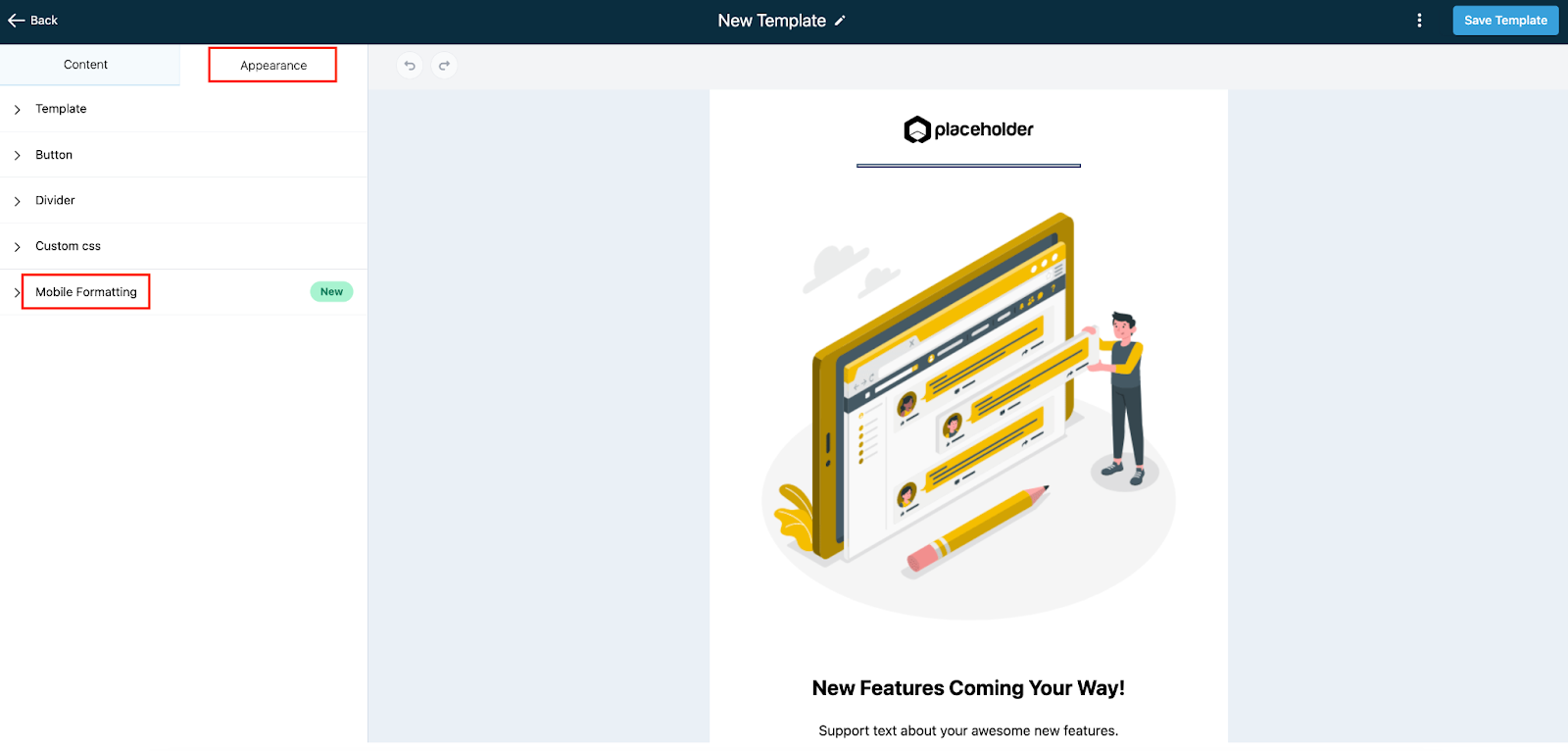
- Under Mobile Formatting, customize the options for font height, styles, and alignment.
- NOTE: There are default styles which include font size and line height settings - they will work on smaller screens for the Design Editor, and you can make customizations anytime.

- Once you’ve made your customizations, save your changes.
Step 2: Preview and Test Your Email Campaign
- Click the 3-dots menu and choose “Preview Template” to preview your mobile view.

- You can also preview it on a mobile device to see in real-time how it will appear.
- When you are redirected to the preview screen, you can toggle between the icons at the top to preview in desktop, table, or mobile device view.
